+01Calculate
A quick sumyou can still edit.
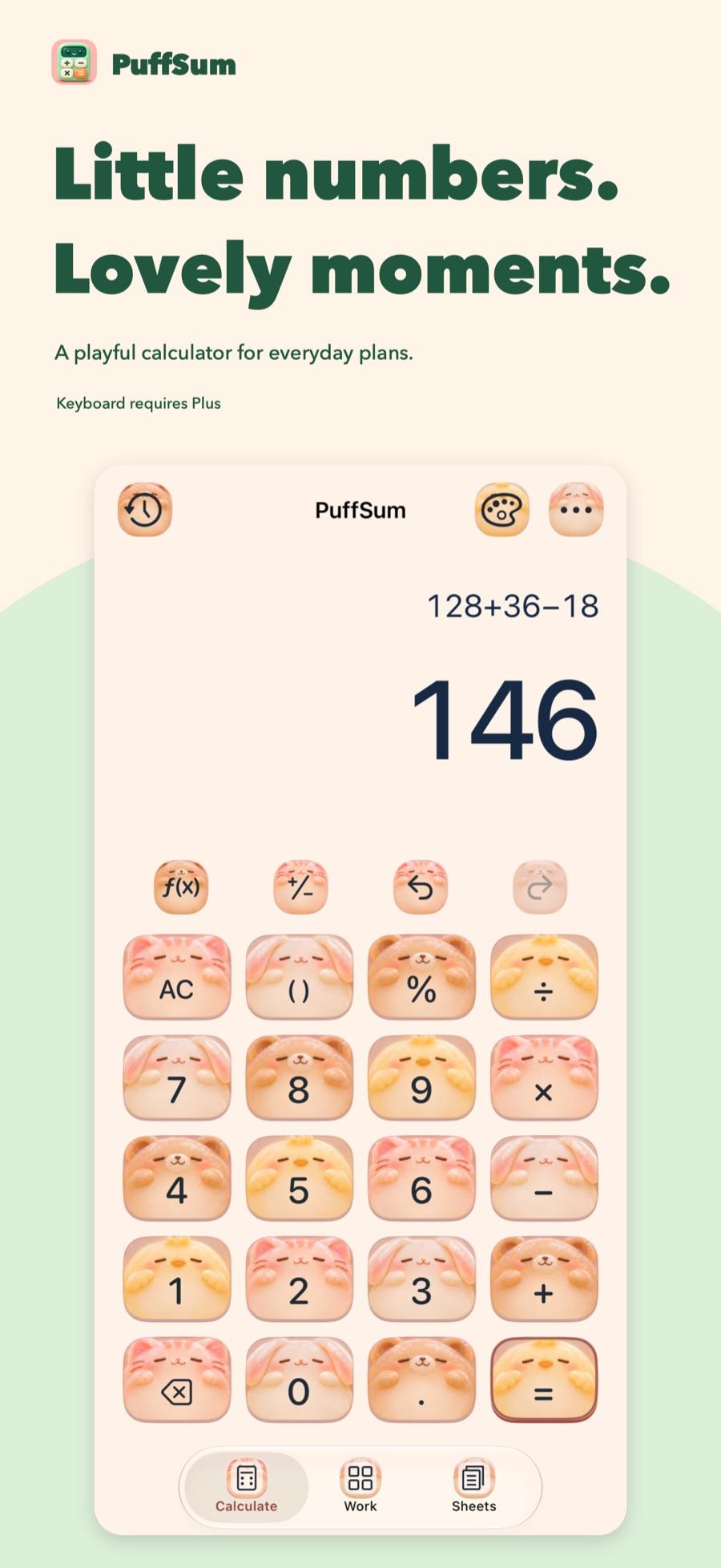
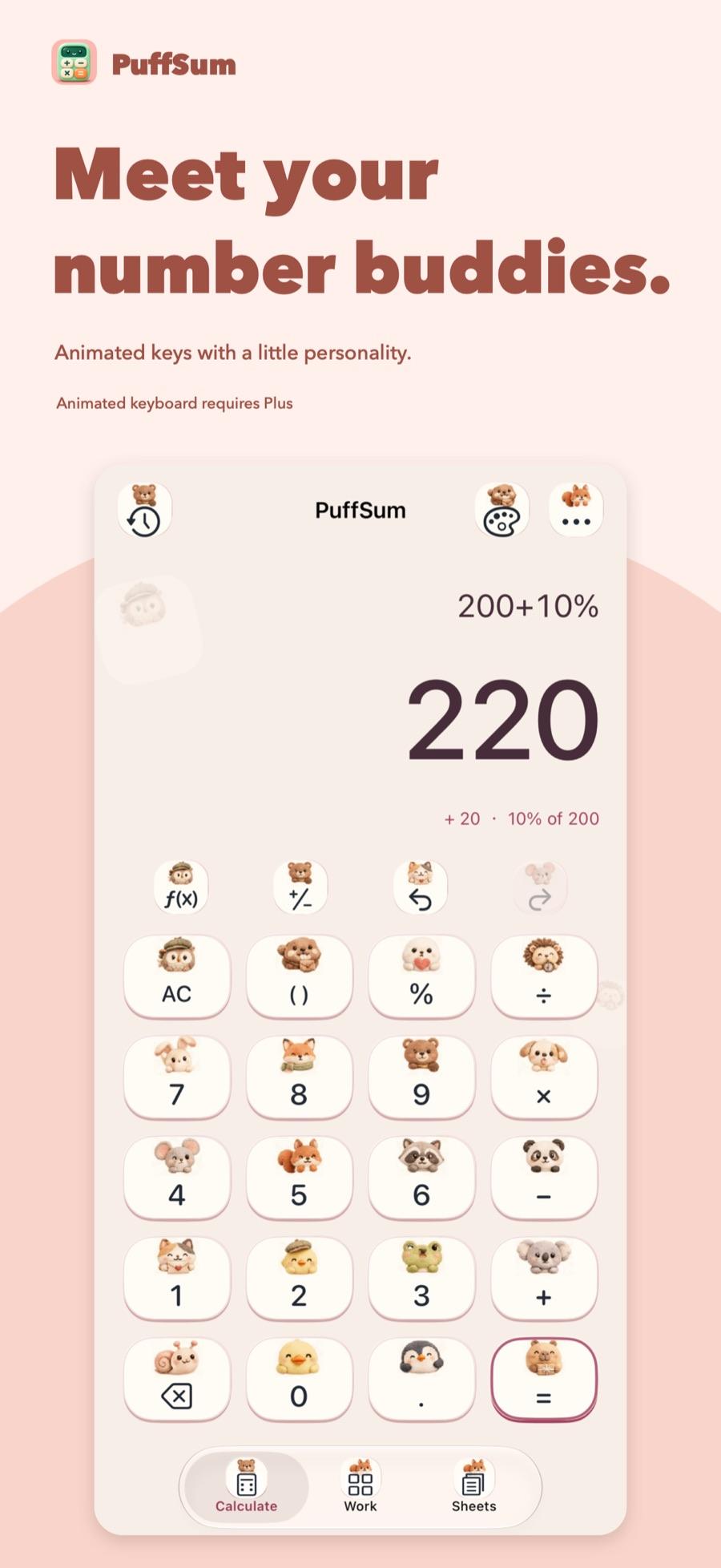
Arithmetic, parentheses, percentages, powers and scientific functions. Move the cursor inside an expression, undo, redo, or continue from the result. A percent added or subtracted tells you its base. The digits on screen stay separate from the value used for the next step.
Edit in place · relative percent
Hi02Styles
The keyshave company.
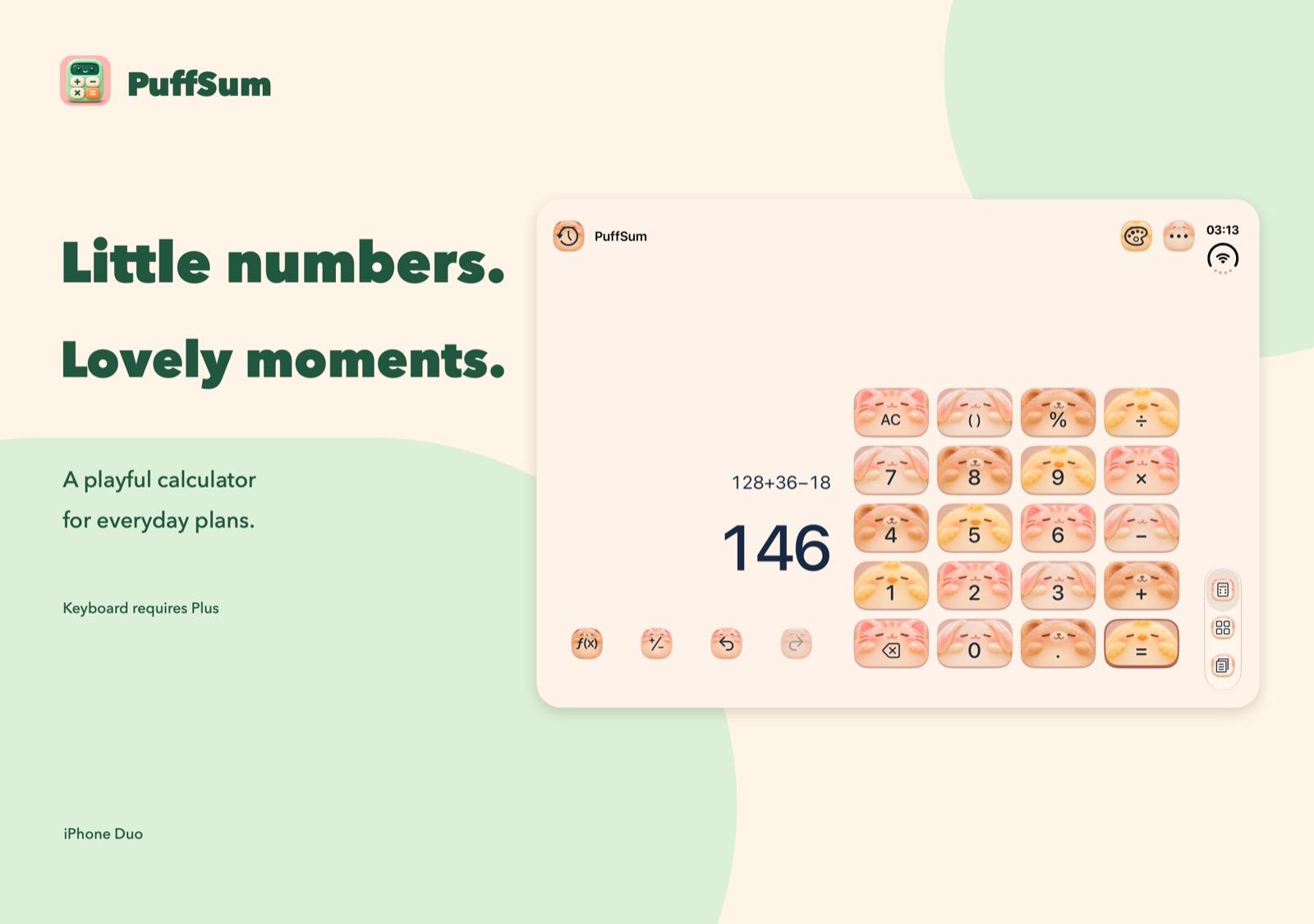
Six classic styles are included. Picture keyboards and animated characters answer a press, and those extra styles require Plus. When Reduce Motion is on, animated styles use still artwork.
Six classics included · motion is Plus
1203Workspace
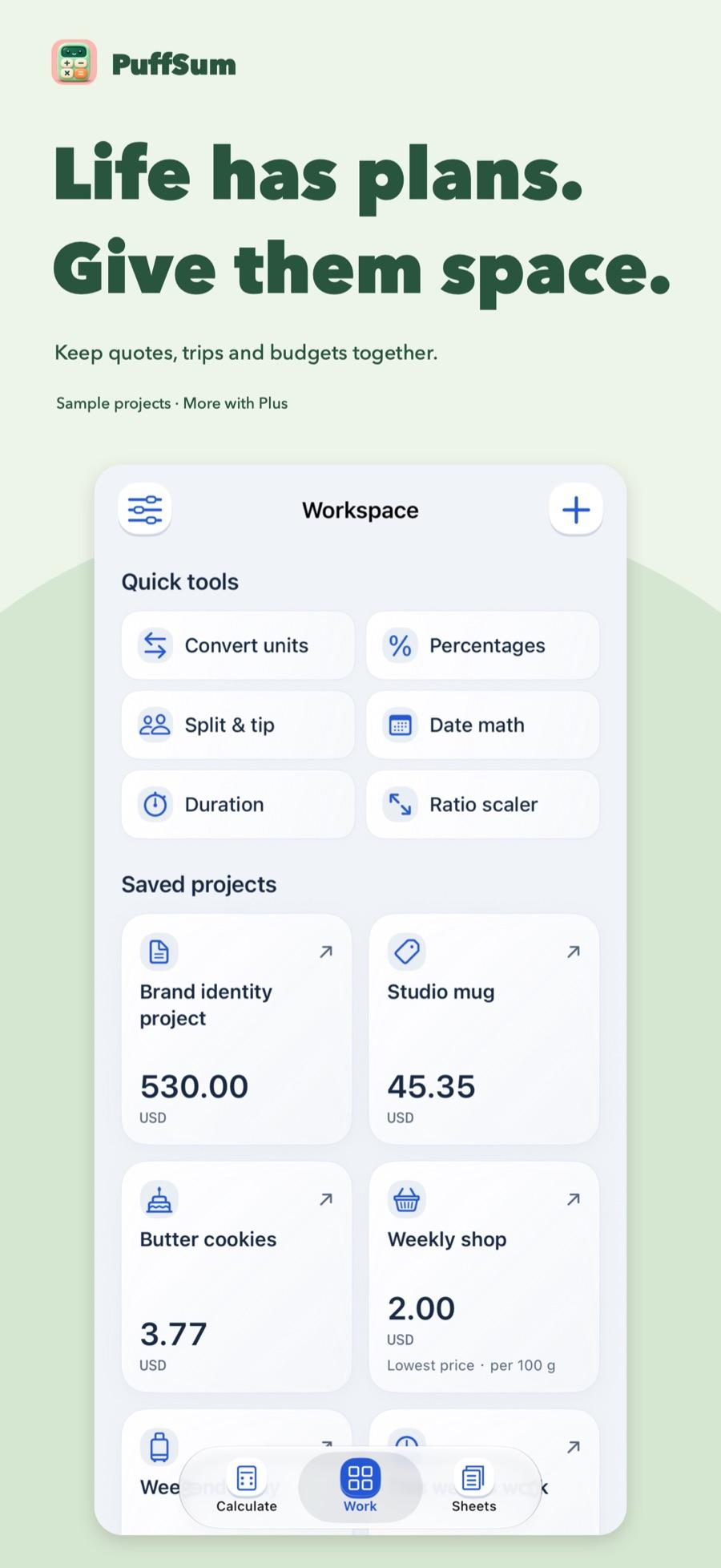
Quotes, trips and recipeseach get a card.
Quick tools and saved projects sit together. You enter the assumptions and read the result beside its reasoning. The base app saves two projects. More require Plus. The projects and amounts in the picture are samples.
Sample projects · two saves included
≡04Sheets
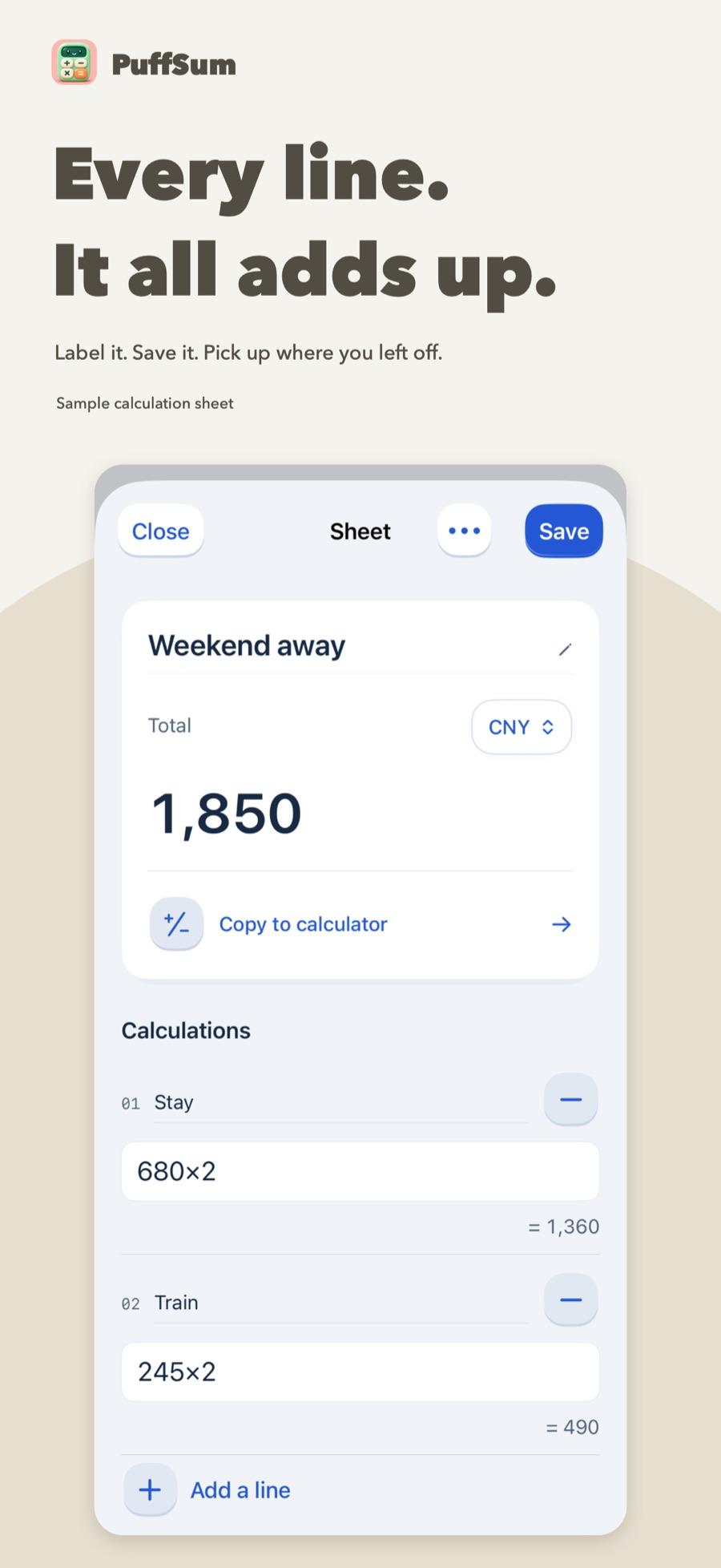
The reason on the left.The total on top.
Each line has a label and an expression. Save it, edit it, share the text, or copy a valid sheet back into the calculator without typing it again.
Save · share · copy back
905Loan
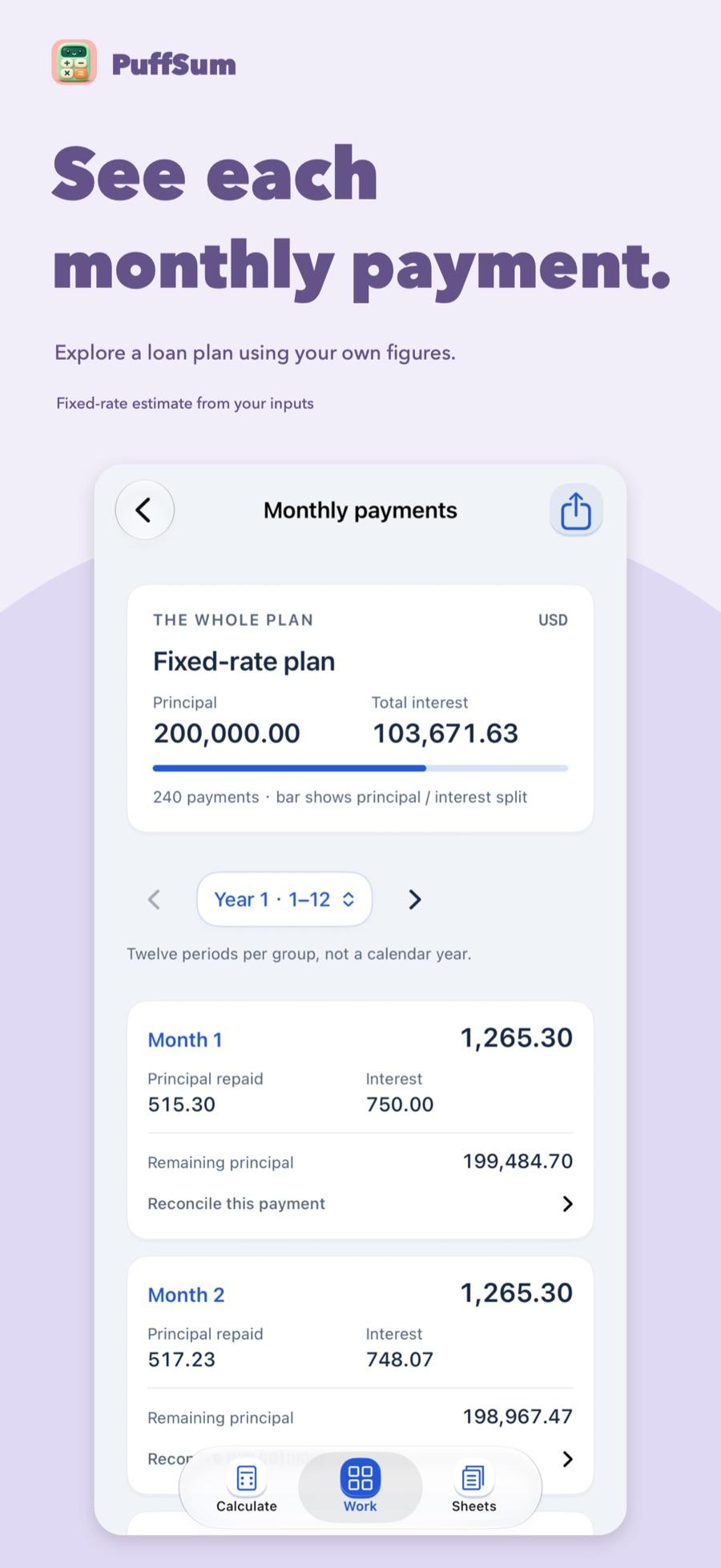
See each paymentbefore you decide.
Loans and some other projects include a monthly plan. It is a fixed-rate estimate from the rate and term you enter, not a quote from a bank. Fees and tax rates are not fetched.
Monthly plan · not a bank quote
%06Percent
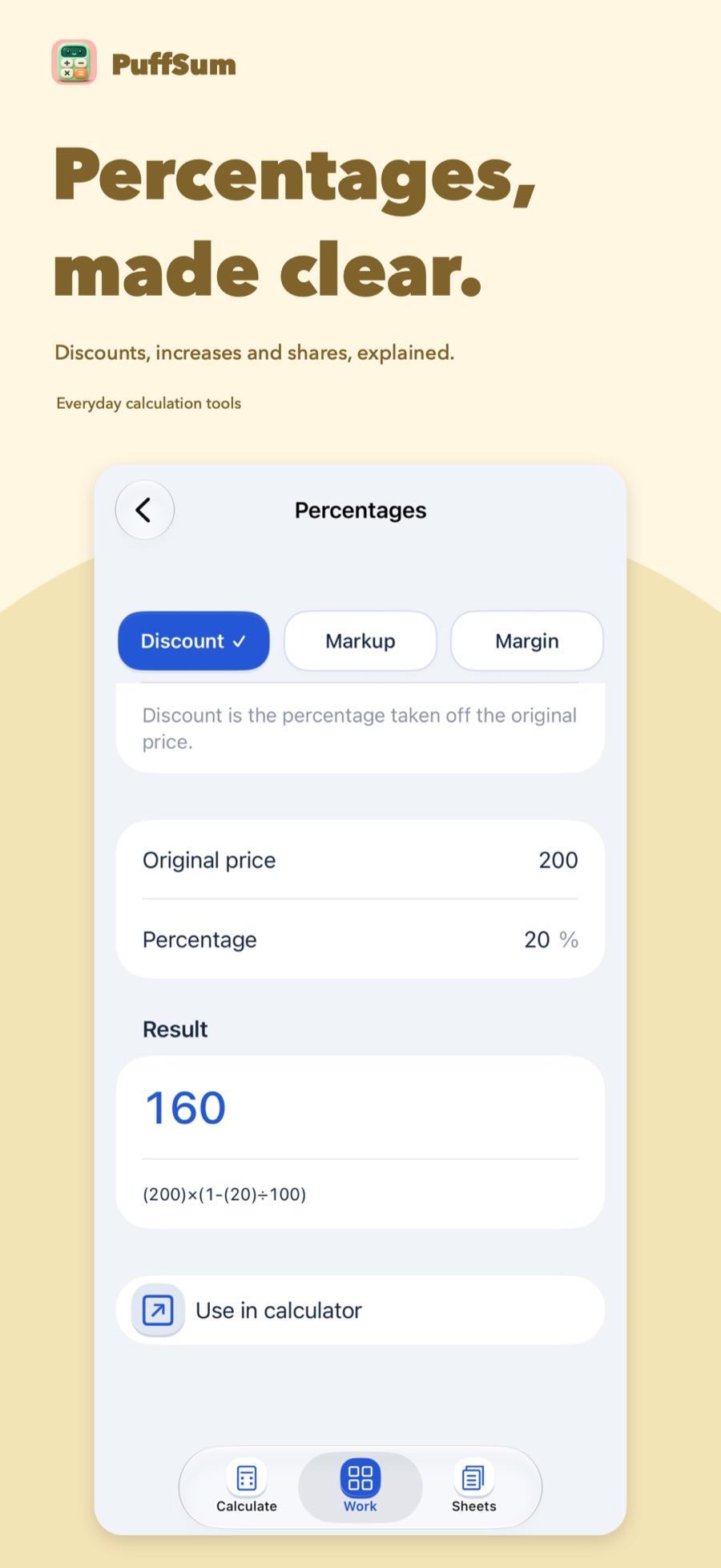
Discount, markup, margin.The base stays visible.
The percentage tool writes the formula under the result. Copy it, or continue in the calculator. Rounding on screen does not replace the value underneath.
Discount · markup · margin