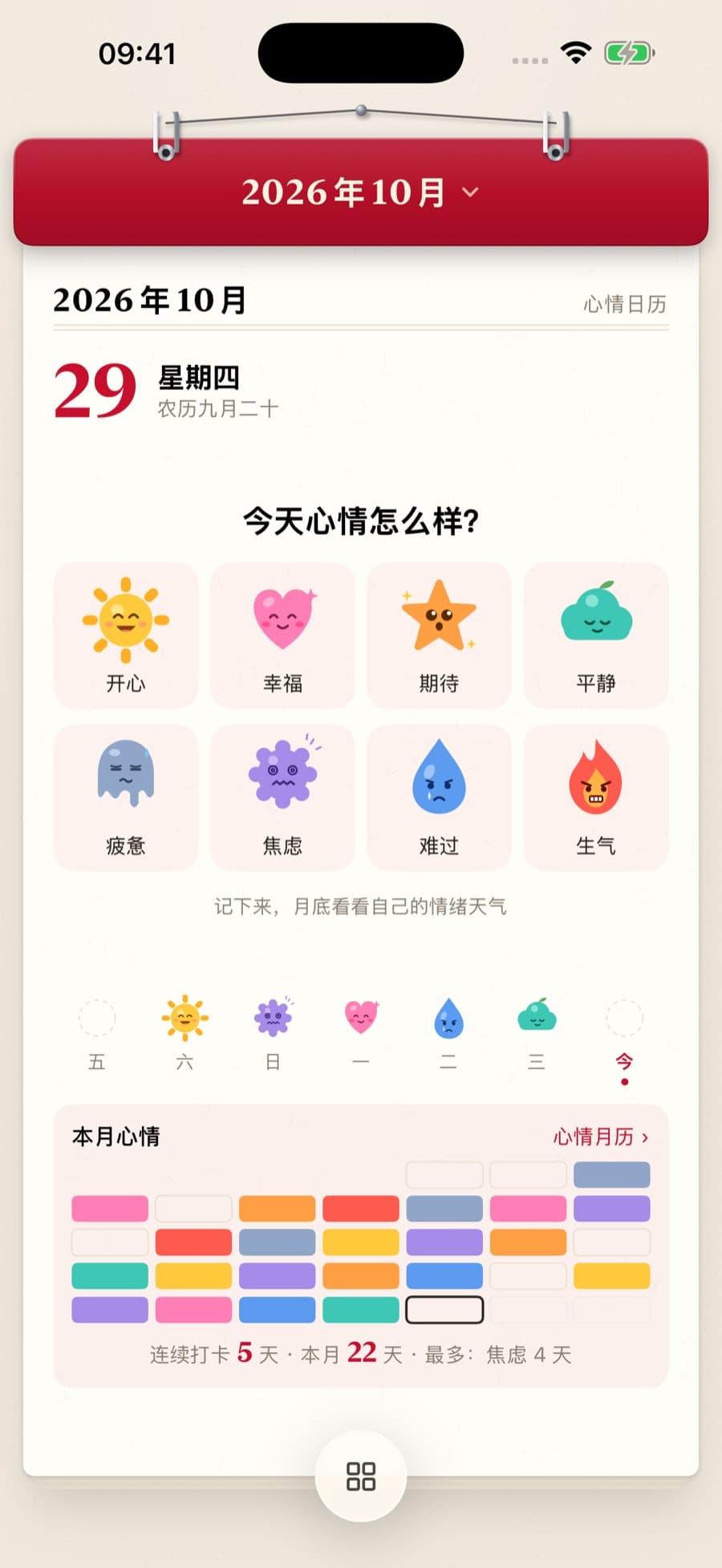
01Mood
Stamp today with a mood.
Happy, calm, worn out. Today is worth remembering. Pick a mood, add a few tags, and watch small feelings become a sheet of stamps. Flip to the month to see yourself over time.
Mood stamps · Monthly view
A paper calendar · one page a day
Hold the page and pull up to tear into tomorrow. Log your mood, plan three things, count down to the days that matter. Everything you want to see, note or remember gets a page of its own.
iPhone · iPad · Apple Watch
← → change day · T for today · or drag the page up
A day with TearCalendar
Turn the days, and keep a trace of them. Classic, poetry, mood, unwind, work, sky and more: 26 page styles let every interest and routine unfold the way a calendar does.
26 page styles
01Mood
Happy, calm, worn out. Today is worth remembering. Pick a mood, add a few tags, and watch small feelings become a sheet of stamps. Flip to the month to see yourself over time.
Mood stamps · Monthly view
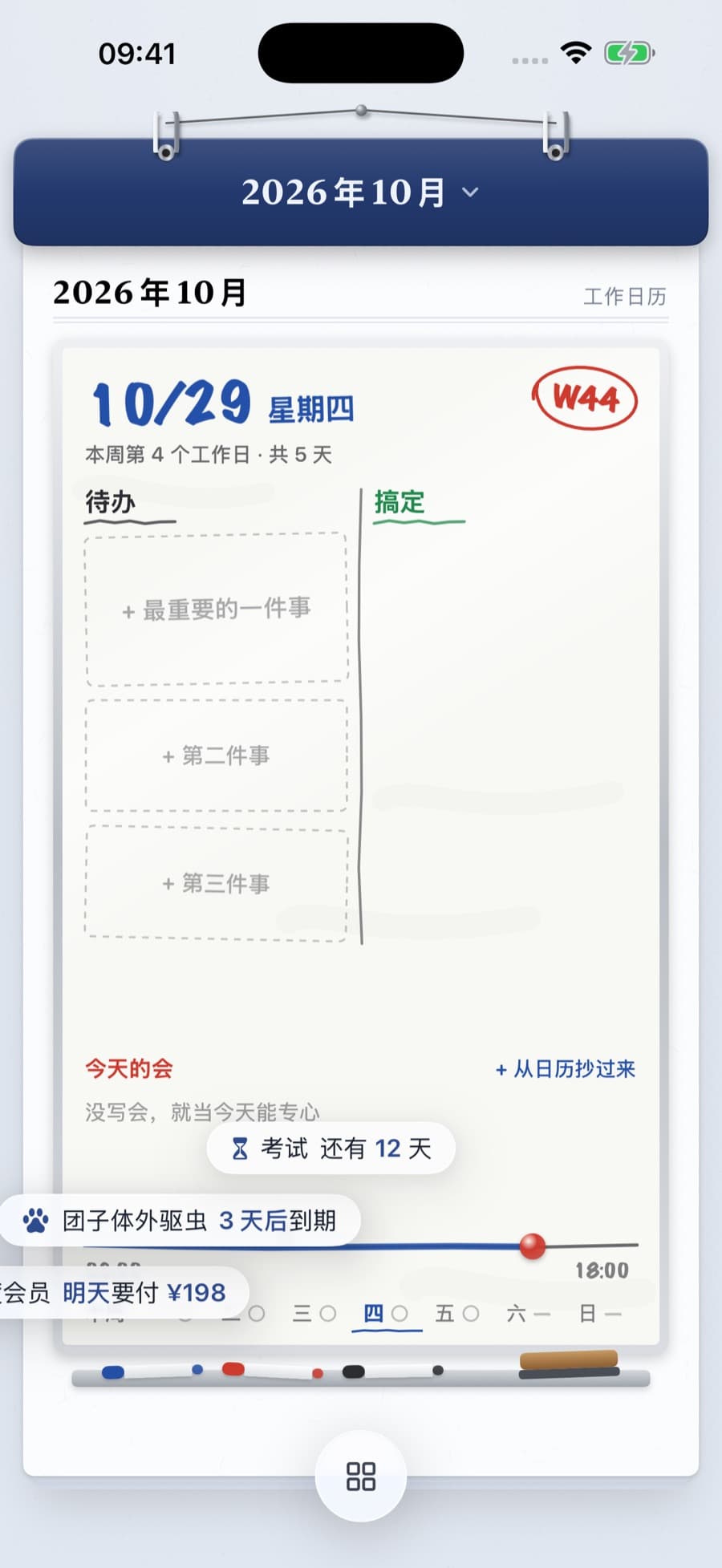
02Three things
Save three spots for what matters today, lay out the day on a timeline, and look back at the week in a review.
Timeline · Weekly review
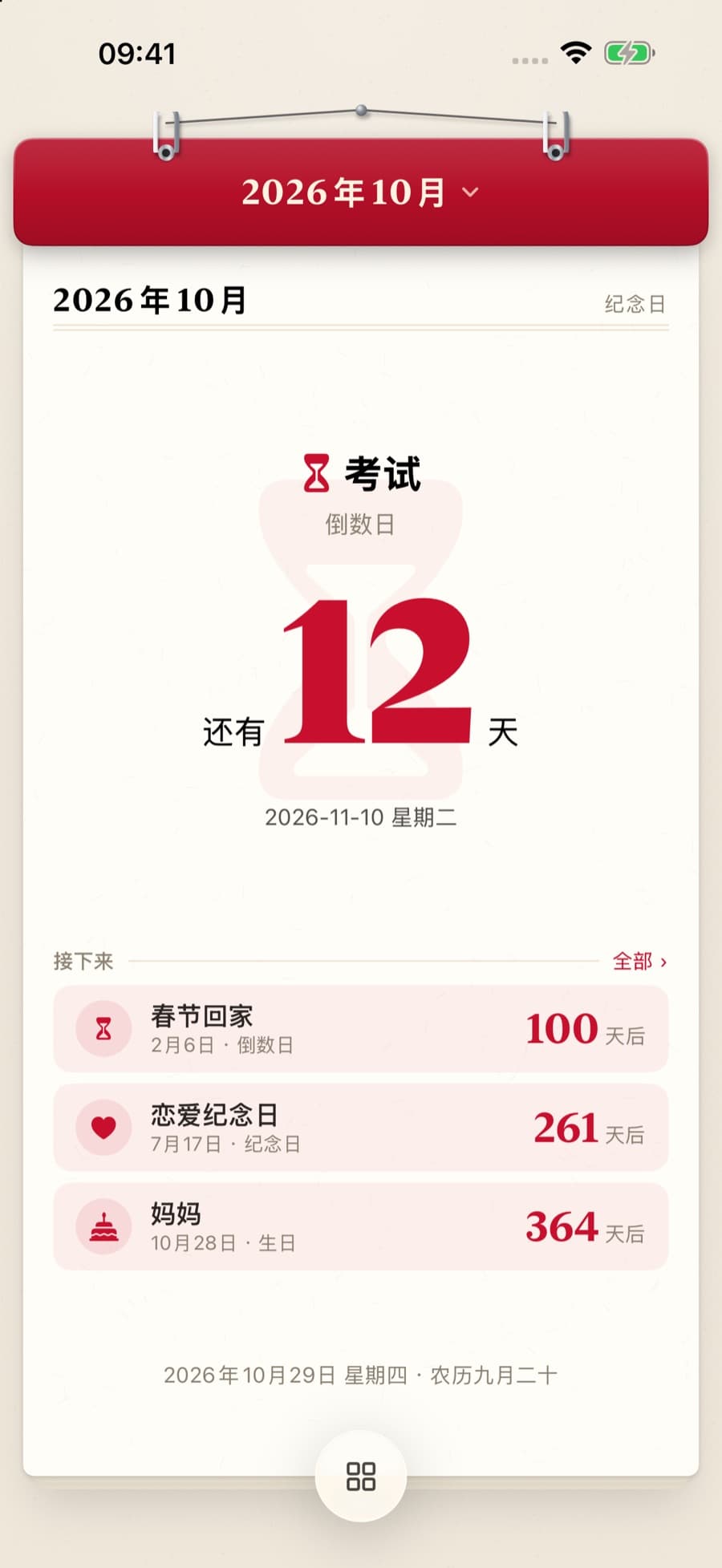
03Anniversaries
Birthdays, the day you met, an exam or the next trip. See how many days are left, and how many you've already shared.
Countdown · Days together
04Cycles
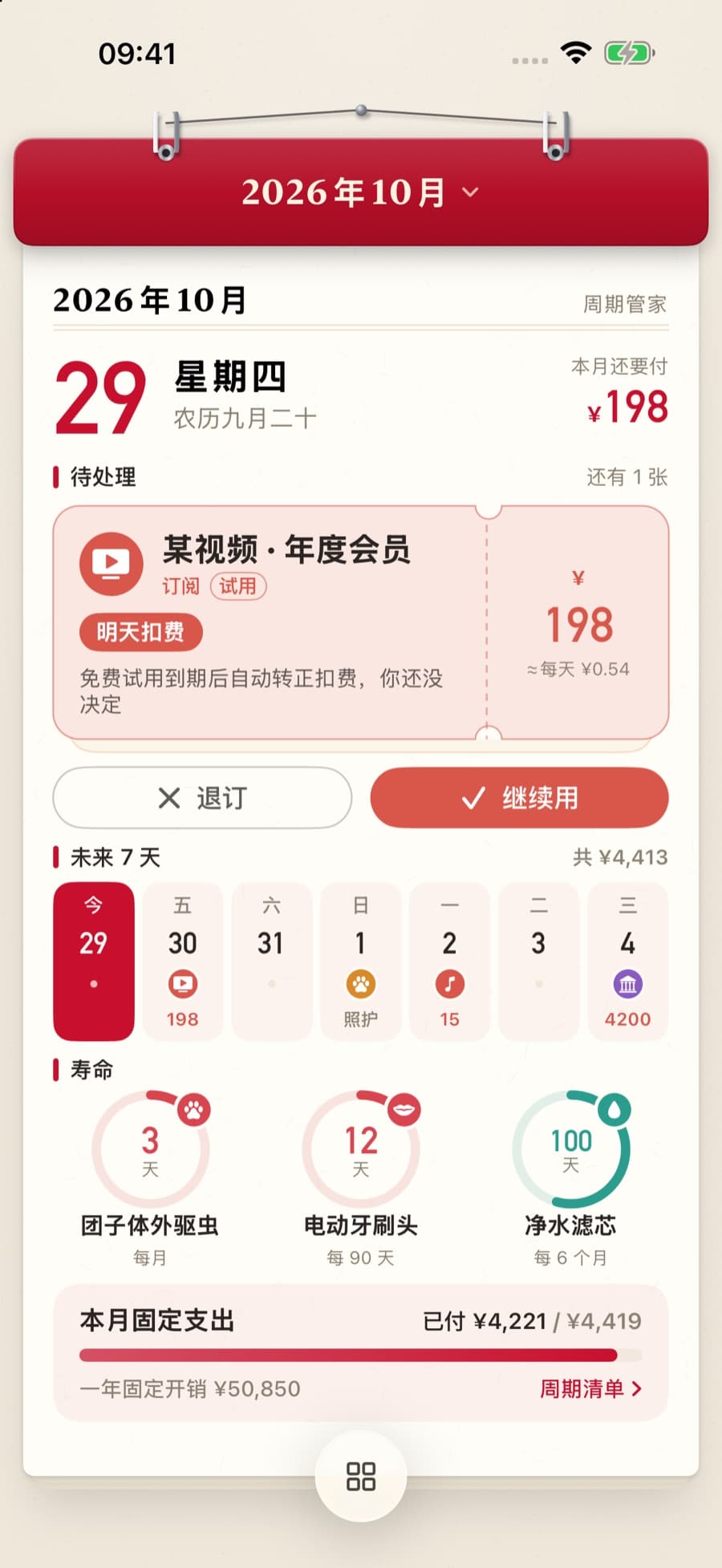
Subscriptions, bills, refills, pet care and expiring documents, all in one place with optional reminders. You manage reminders and status; payments and cancelling third-party services stay with you.
Tracks and reminds; never pays
05Coffee & tea
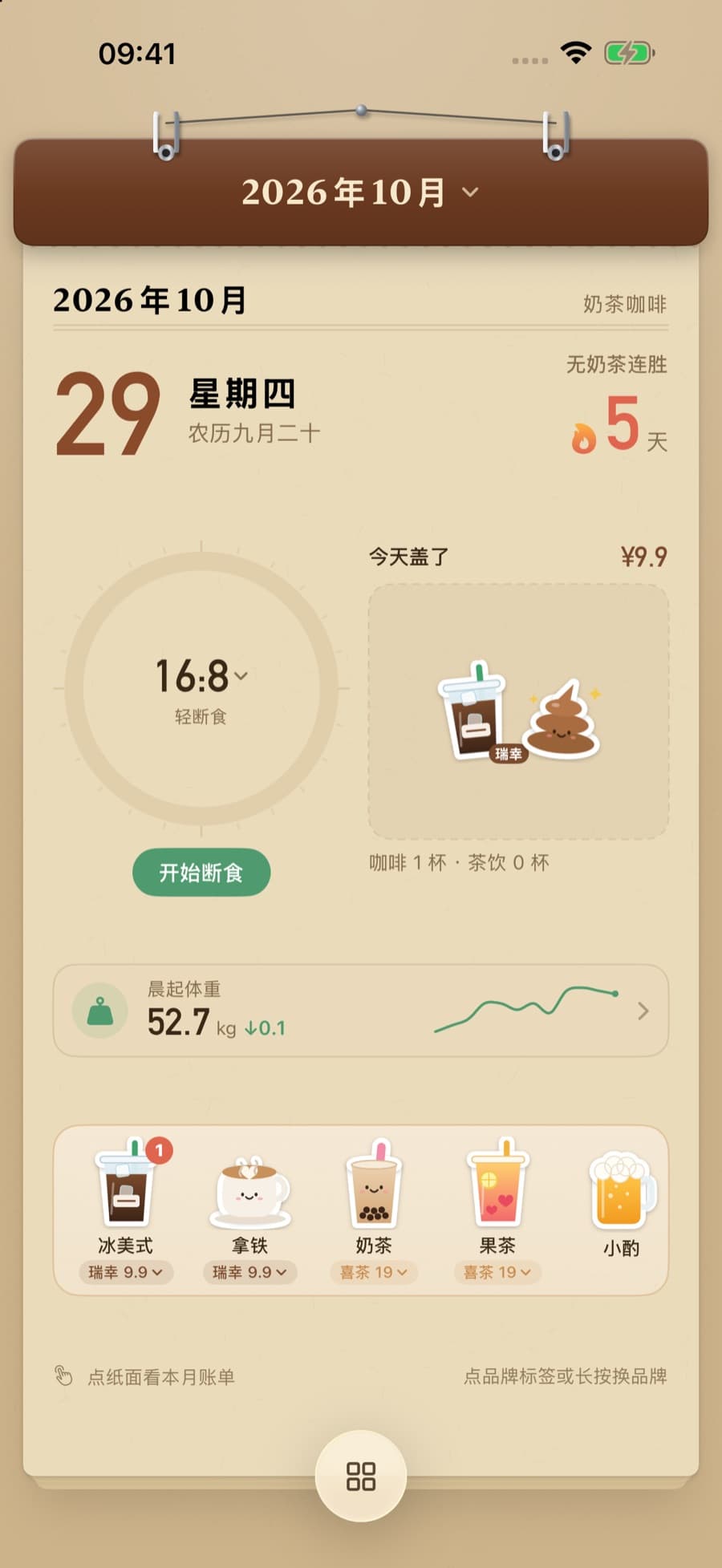
Log coffee, milk tea and meals with stickers, pick brands, note the cost and see the month's drink bill. Track morning weight and time a fast, too.
Stickers · Monthly bill
06Poetry
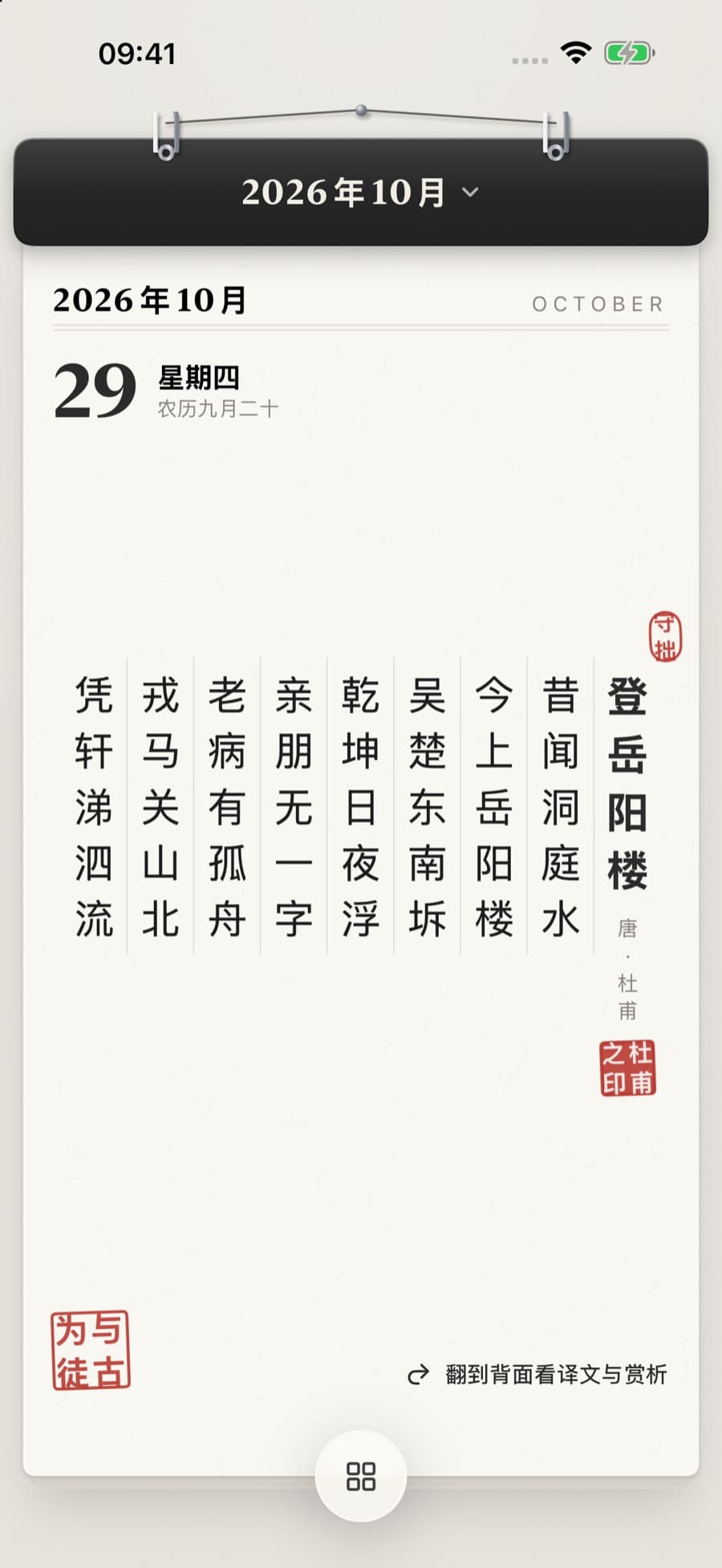
Read a poem, learn a traditional Chinese color, wait for tonight's moon. Vertical verse, like a page torn from an old book.
Poems · Colors · Moon
07Solar terms
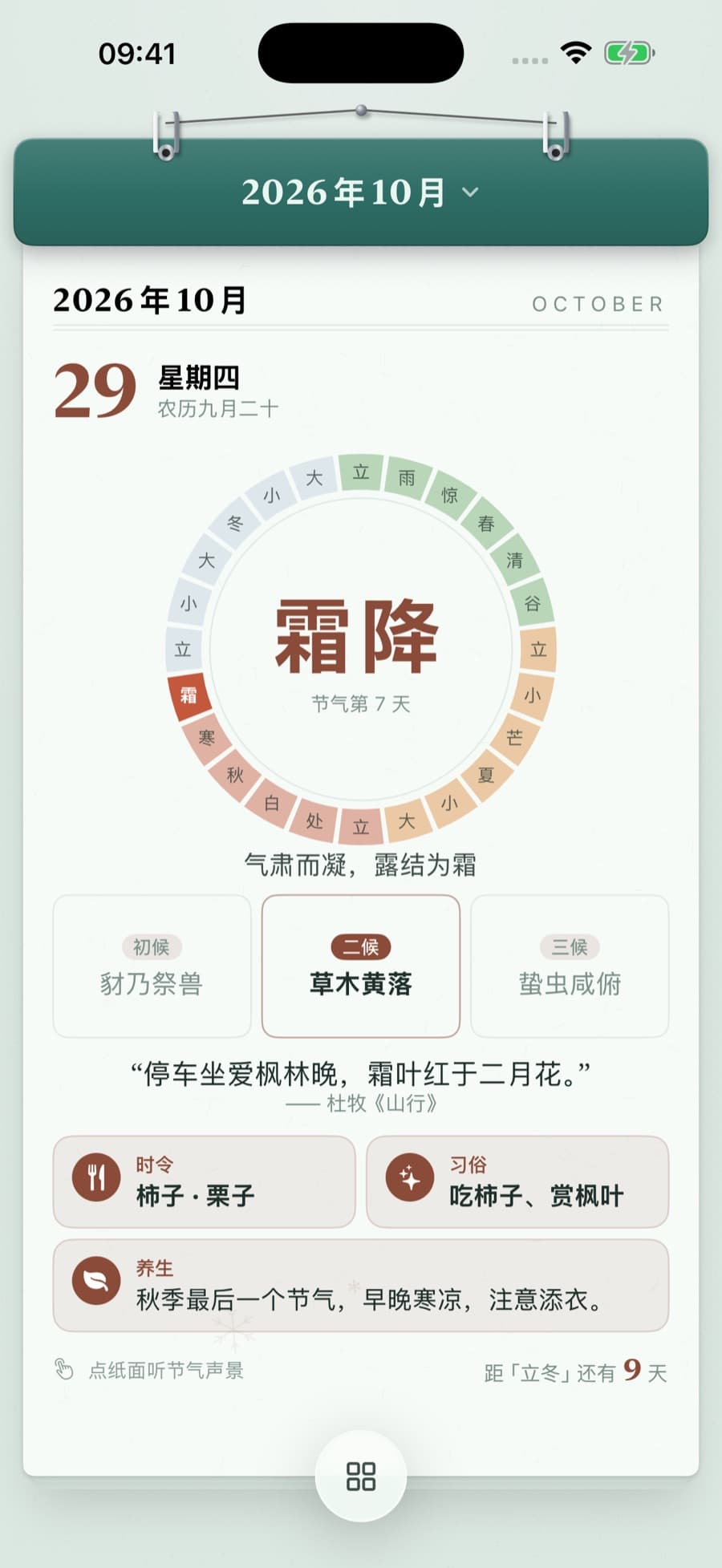
The lunar almanac, 24 solar terms and 72 pentads, sunrise, sunset and the sky, all printed on the page.
24 terms · 72 pentads
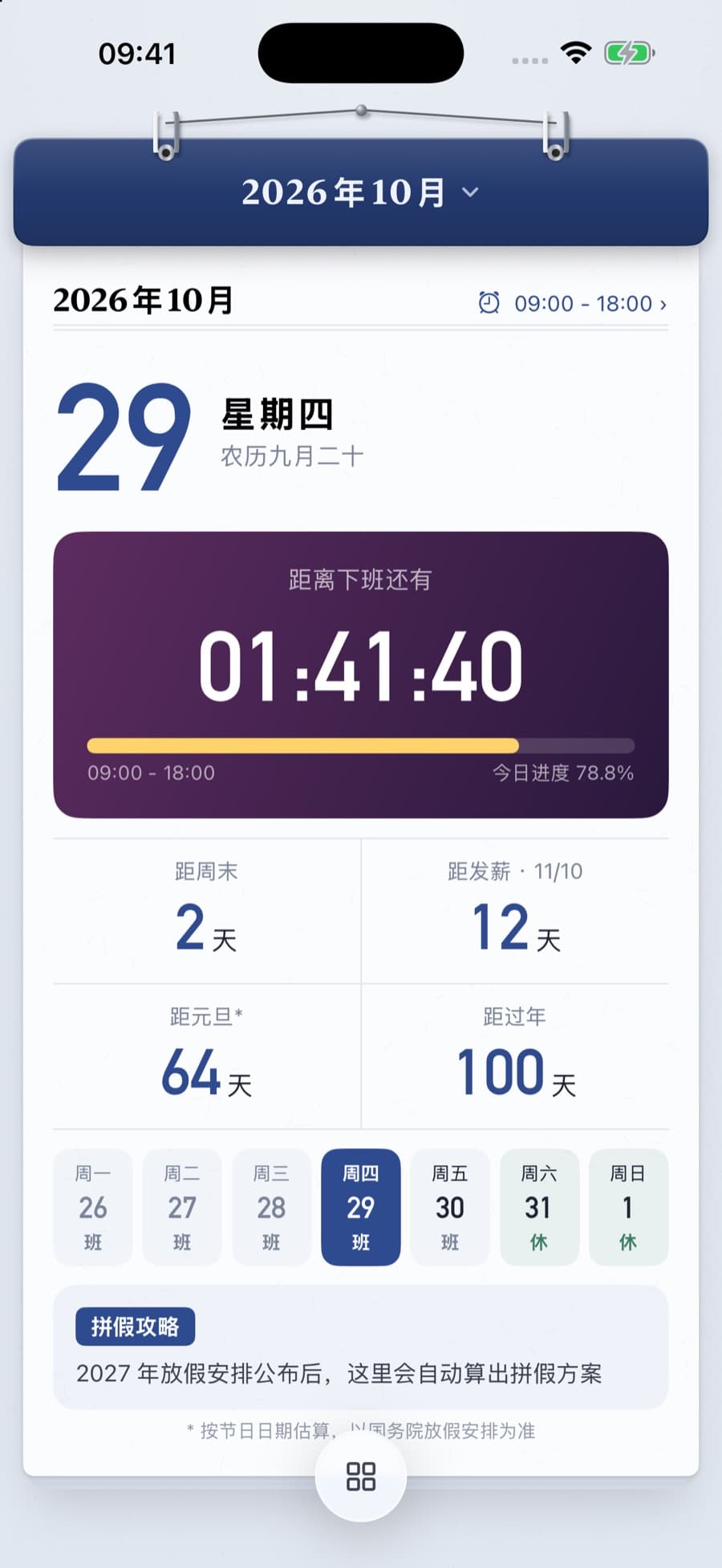
08Clock-out
On workdays, see how long until clock-out, the weekend and payday. A little something to look forward to.
Clock-out · Weekend · Payday
Every device
On iPad, the page and the month sit side by side; tap a date and the page follows. On Apple Watch, turn the Digital Crown to change days and jot down a mood.
←→THardware keyboard: arrows change days and pages, T returns to today
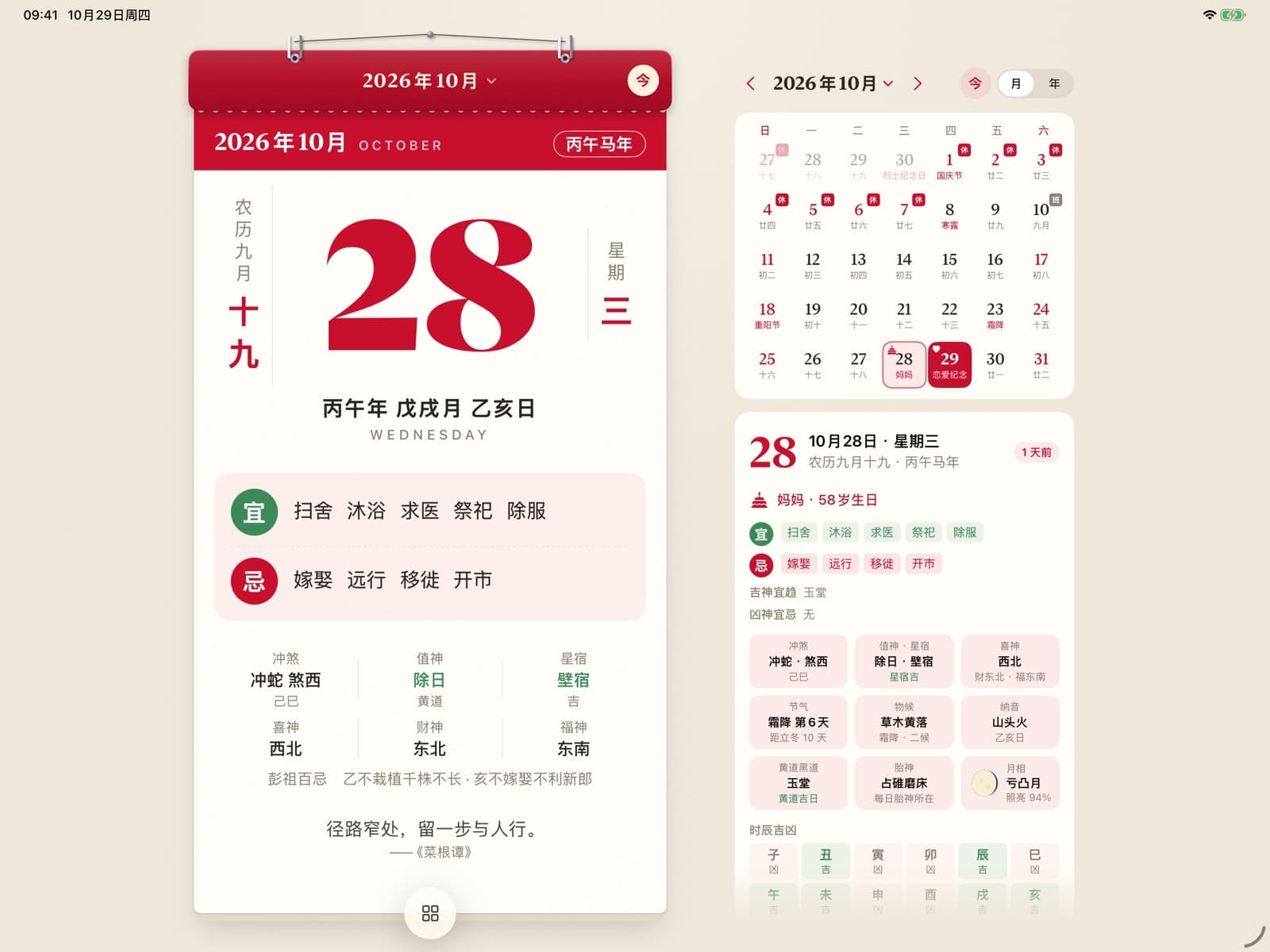
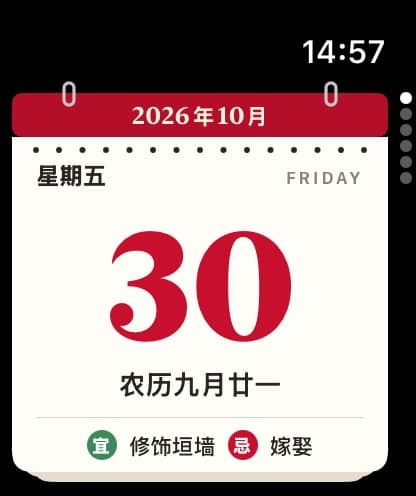
Log, flip and check each day on the go.
In a wide landscape window, the page and month view share the screen; tap a date to switch pages.
Fits both inner and outer screens, with the month view on the wide unfolded layout.
Turn the Digital Crown to change days, see the almanac, solar terms and moon, and log a mood.
Widgets
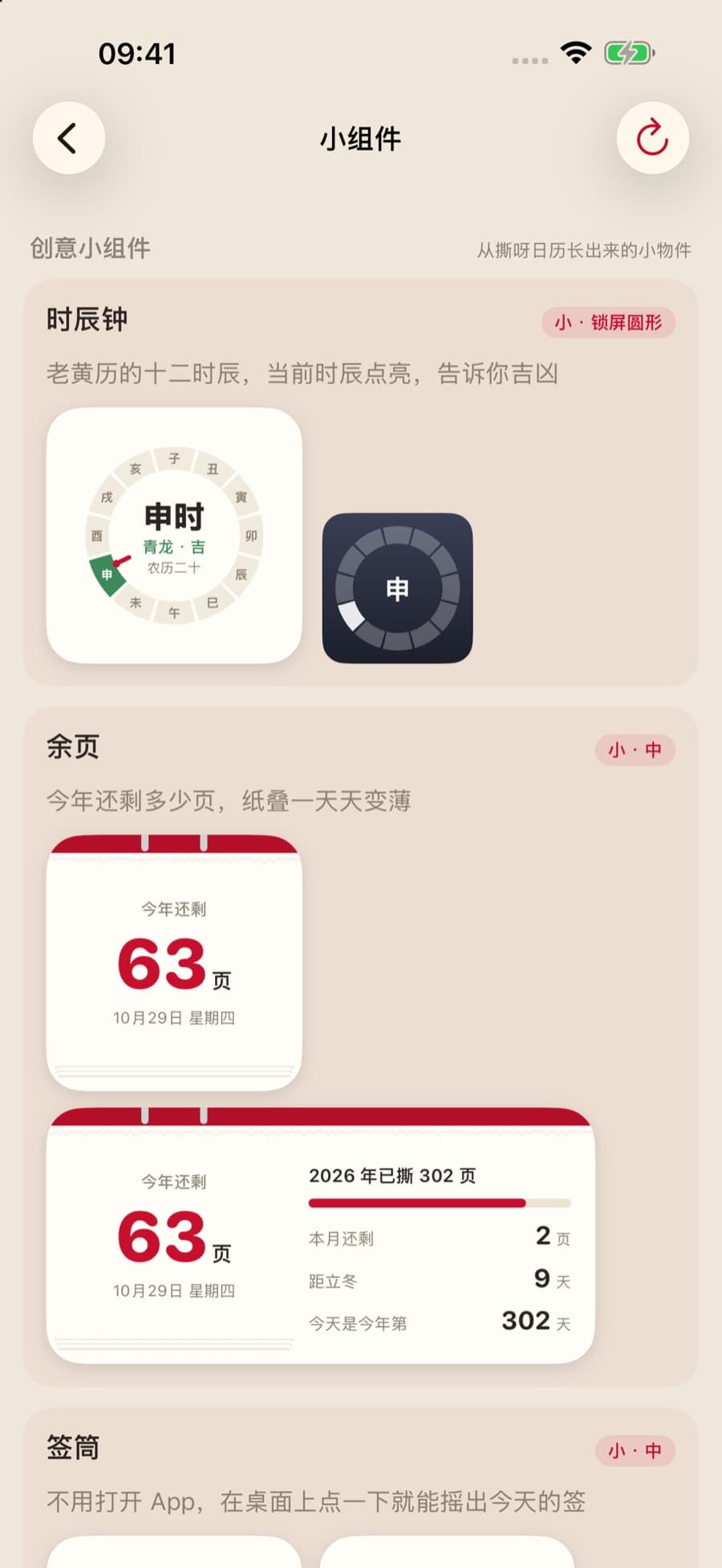
Calendar sheet, anniversary countdown, mood stamps, pages left this year and the shichen clock, on your Home Screen, Lock Screen or supported watch faces.
Left this year
–pages
Shichen clock
Until Lunar New Year
–days
These three are computed live in your browser from your current date and time, as a demo. Widget styles in the app vary by system, device and membership.
Privacy
Moods, plans, anniversaries and reminders are stored on your device by default, and can sync through iCloud to your other devices on the same Apple Account. Health data is not synced. Whether to connect Apple Health is up to you.
01 · No sign-up
No app account needed. Your moods, plans, anniversaries and reminders are not uploaded to the developer's servers.
02 · On device
Personal records are stored locally by default, with manual export and import whenever you need them.
03 · iCloud
Records such as anniversaries and moods sync through iCloud to your other devices on the same Apple Account. Health data is not synced. You can also keep an iCloud Drive backup and restore it later.
04 · Apple Health
With your permission, Body Battery summarizes available sleep, steps and activity data. That data and your discomfort notes are left out of iCloud sync and out of iCloud backups, and you control access at any time.
Some features and the extended Watch experience require a TearCalendar membership, offered as monthly or yearly auto-renewing subscriptions; benefits, prices and offers are shown on the in-app purchase page. Health records and estimates are for everyday reference only, not diagnosis or treatment. Almanac, fortune-stick and horoscope content is cultural entertainment. The app's interface and built-in content are in Simplified and Traditional Chinese; the tearing sound can be turned off.
TearCalendar
Classic red, ink, kraft, celadon, blue & white or night, with silver rings, a coil, red string, a wooden clip, a pushpin or tape. Turn today's page into a poster to save or share.
Download on the App Store